
Secure Email Program Instructions
In the interest of safeguarding your personal information, the Michigan Farm Bureau Family of Companies (MFBFOC) uses a secure means of exchanging information via email.
Any emails containing sensitive information and any documents attached to those emails sent from MFBFOC will be transmitted securely and will be viewable only by you. Your response will be protected in the same fashion and will return directly to the MFBFOC representative from whom you originally received the email.
Below is information on receiving a secure email from MFBFOC.
1. When you receive an email with Secure Email Notification in the subject line and content similar to that shown below, open the attachment.
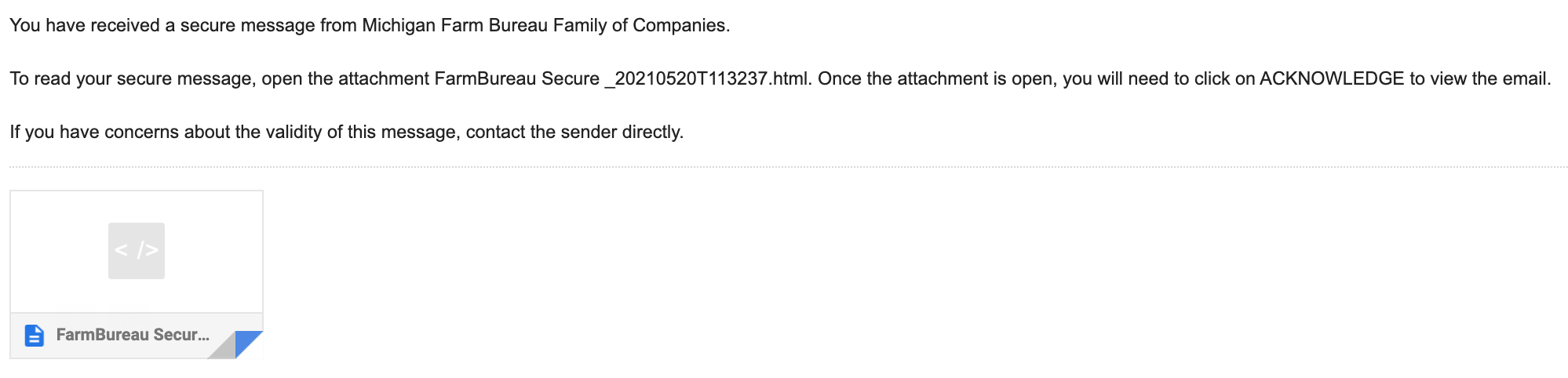
2. Once the attachment is open, you will need to click on "Acknowledge" to view the email.
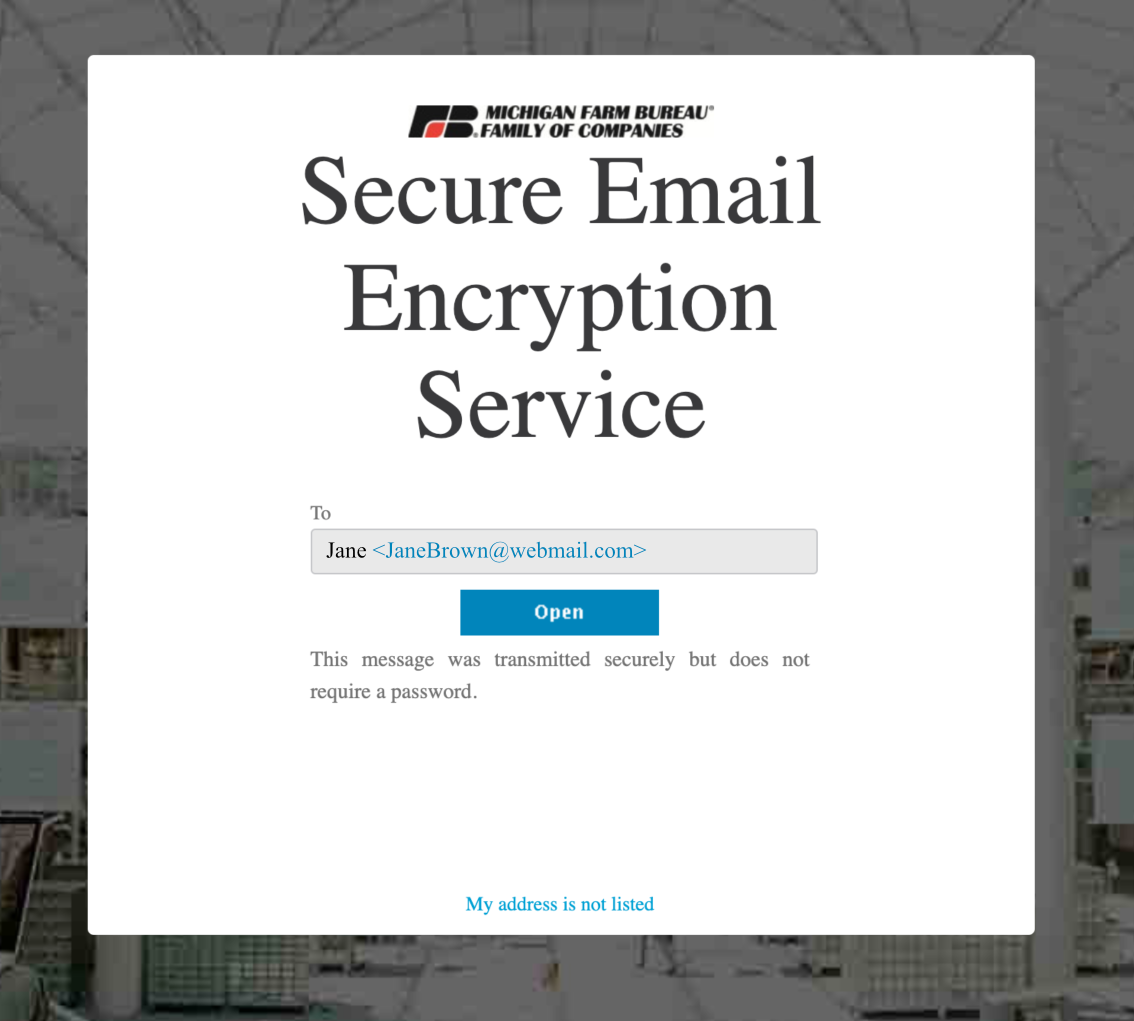
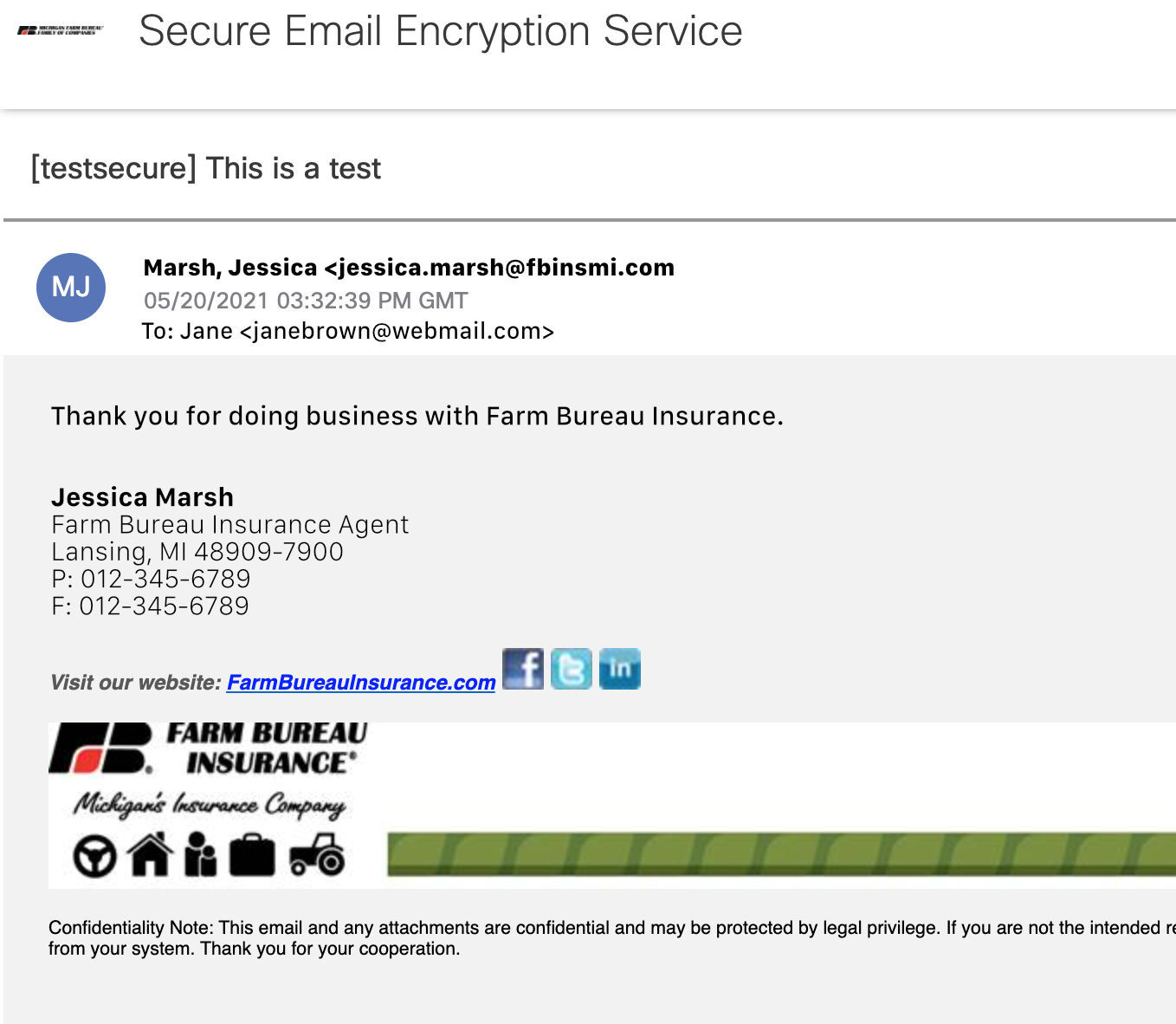
3. After you have read or responded to the email, please delete the email to better protect your personal information.
Paperless FAQ
Farm Bureau Insurance offers paperless policy and billing documents for all but Commercial Package Policies, and payment reminder for all but Life, Annuity and Commercial Package Policies.
To sign up, sign in and select Manage Paperless on the left. To learn more about paperless, click on the topic of interest below.
Faster Delivery
Electronic documents generally arrive sooner because they avoid the printing and postal delivery of paper documents.
Less Mail
Paperless delivery reduces the number of paper documents and envelopes in your mailbox.
Convenience
Paperless delivery offers the convenience of viewing, saving or printing the electronic documents depending on your needs and preference.
Greener
You can make a positive difference for the environment by switching to paperless billing.
If you have an account with registered billing accounts, go to My Billing Accounts and select Manage Paperless from the FB Pay options on the left. If you do not yet have an account, click on Sign Up and provide the information requested.
You will receive an email notification with a hyperlink where you can sign in and view your available billing documents. Farm Bureau Insurance will be identified in the subject line of the email notices (alerts) you receive, and they will be sent from [email protected]. Please add this to your address book to help ensure the email notices sent to you are not blocked by a SPAM filter.
If you feel you should have a new document, yet haven't received an email, sign in to My Billing Accounts to view your electronic billing documents. If you do not have anti-spamming software and the document is available online, but you haven't received it via email, please alert Customer Service of the missing email notice.
Billing documents will be available online for 24 months.
Policy documents will be available online for 14 months. We encourage you to save your policy documents locally.
If an email is returned to us as "undeliverable," we will mail your billing document along with a letter advising you that you have been opted out of paperless billing documents. The document for which the notice was sent is available online for you to access. The letter will also advise that if you wish to opt back into paperless you will need to update the email address on your web account and opt back in.
We'll send delivery notices to the email address you provided when you set up your account. It's important to keep us updated on any changes to your email address. If you are signed in, you can update your email address in the Edit My Profile area of My Account.
Yes. The page that captures your preference and displays your activity confirmations and statements uses industry standard security, 128-bit encryption. For more details please see our Privacy and Security policy.
To view your policy or billing documents, you must have Adobe® Reader®. See Best Viewed for browser recommendations.
After enrollment, paperless delivery will be active with your next policy document or billing event
Simply sign into My Billing Account and select Manage Paperless. Click on the billing account you wish to receive by paper in the future and submit. You can change your delivery preference anytime. The time it takes to process your change from electronic delivery to U.S. Mail delivery will vary.